Add a manager
1) Go to the Company Portal
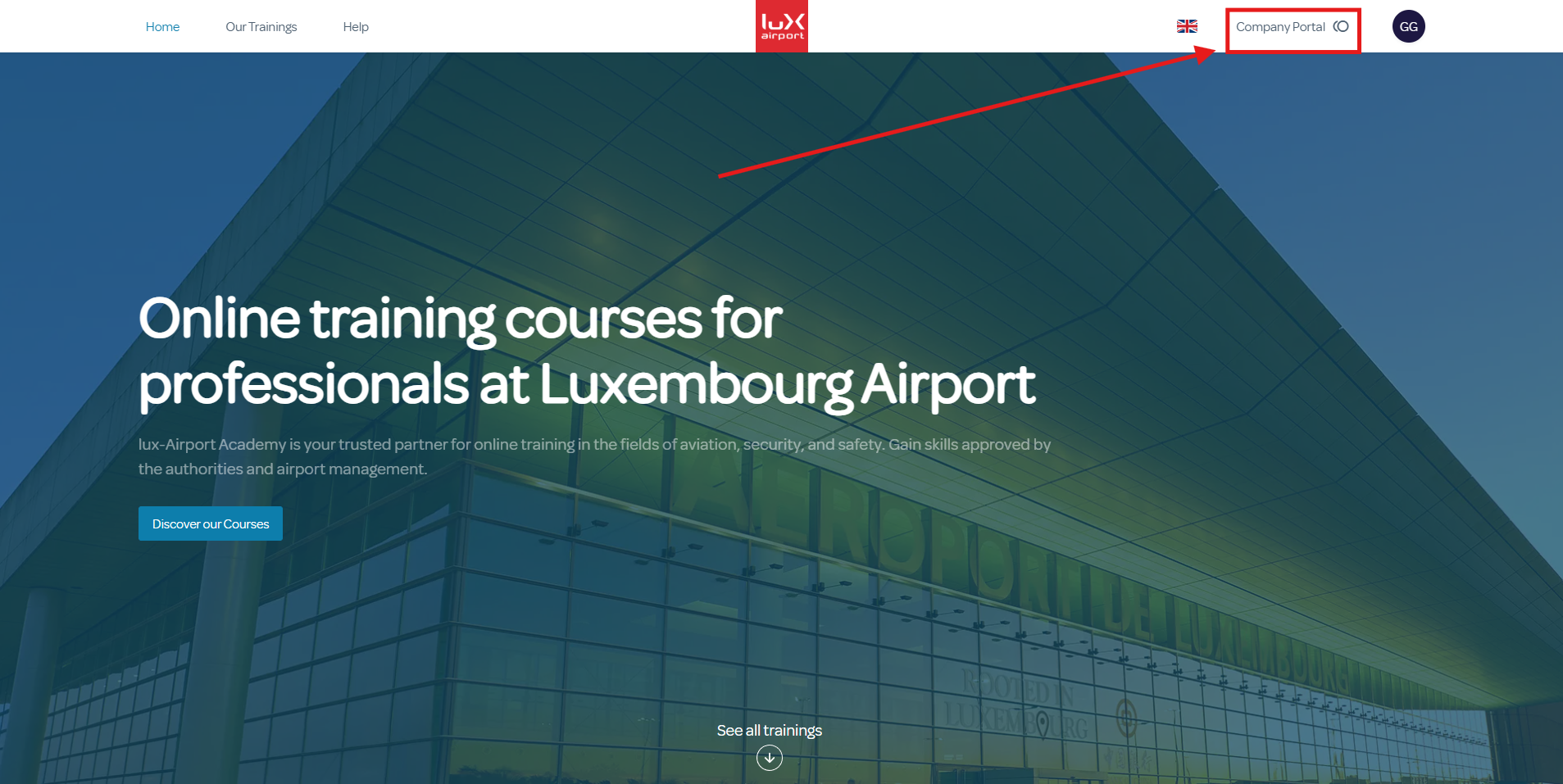
2) Click on the 'Managers' tab, then on the 'New Manager' button.
3) Enter the information for the new manager account and save it.
Related Articles
Edit a manager
1) Go to Company Portal. 2) Click on the Managers tab. 3) Select the manager to modify from the list on the left, or use the search box. 4) Edit the desired information and remember to save. The “Cancel” button allows you to undo current ...Purchase credits
1) Click on "Company Portal" then "Credit Wallet" 2) Click on "Buy credits" button 3) Create your training list with the “Add to list” button, select your payment method, then click on "Buy credits".Set Up SSO (Single Sign-On)
What is SSO? SSO (Single Sign-On) allows users to log into the platform using their corporate Identity Provider. This enables them to use the same credentials they use to access their other professional tools, without having to create or manage an ...